
Branding & Communication Material
Design
Visual Guidelines & Material
Logo
The logo comes in different forms based on where it's used for. Usually we use the 'landscape' variant. For round icons (used on social media for example), the logo's symbol only - without the logotype - can also be used (see below).
'Landscape' Variants
Click on each image to display it in full size.
.svg (vector-based)

.png

.png

.png
'Portrait' Variants
Click on each image to display it in full size.
.svg (vector-based)

.png

.png

.png
Squared 'Portrait' Variants & 'Symbol-only' Variants (.png)
All these variants can be put comfortably inside a circle for use in icons, social media images, etc. Click on each image to display it in full size.









Colors
Main Colors
The following colors are used in the interfaces of the Zoe apps and/or website.
Black Lightest
#------
rgb(33, 36, 44)
Black Dark
#------
rgb(21, 24, 30)
Black Darkest
#------
rgb(12, 14, 18)
White
#------
rgb(240, 242, 245)
Gray
#------
rgb(123, 137, 157)
Green Light
#46b895
rgb(70, 184, 150)
Green Primary
#18a67b
rgb(24, 166, 123)
Color of the Zoe logo (when it's not green)
Green Dark
#138263
rgb(19, 130, 99)
Blue Light
#5a5793
rgb(90, 87, 147)
Blue Regular
#2e2b6f
rgb(46, 43, 111)
Color of the Zoe logo (when it's not green)
Blue Dark
#181144
rgb(24, 17, 68)
Blue Dark +
#0f0a2d
rgb(--, --, --)
Secondary Colors
The following colors are used more occasionally on the website.
Purple
#5a1894
rgb(_, _, _)
Pink
#dc2674
rgb(220, 38, 116)
Red Light
#ef1b37
rgb(239, 27, 55)
Red
#d90022
rgb(217, 0, 34)
Used for Warning messages mostly
Orange Light
#ff7f29
rgb(255, 127, 41)
Orange
#ff6600
rgb(255, 102, 0)
Yellow Light
#faec8e
rgb(_, _, _)
Yellow
#______
rgb(235, 197, 20)
Gradients
Here are some exemples of gradients that can be used as backgrounds or other elements. Note: the 140° gradient angle below is shown as an example.
BG – Primary
CSS Code:
background: linear-gradient
(140deg, #181144, #18a67b)BG Light – Primary Light
CSS Code:
background: linear-gradient
(140deg, #2e2b6f, #46b895)Primary – Primary Light
CSS Code:
background: linear-gradient
(140deg, #18a67b, #46b895)BG – BG Light
CSS Code:
background: linear-gradient
(140deg, #181144, #2e2b6f)Pink – Orange (custom)
CSS Code:
background: linear-gradient
(140deg, #ed1d71, #ECFFBC)Purple - Orange Pastel - Yellow Light
CSS Code:
background: linear-gradient
(70deg, #5a1894, rgb(252, 152, 84), #faec8e)Media
Images, Videos, Podcasts, ArticlesVideos
Our videos are available on Zoe's Youtube channel. There you can find a variety of trailers, tutorials, and projects made with Zoe. Most of our content is organized by playlists; click here to see them.
Trailers
Templates (VR App)
Here are a few videos of the official templates available in the Zoe VR app. Click here to view the full playlist.Images
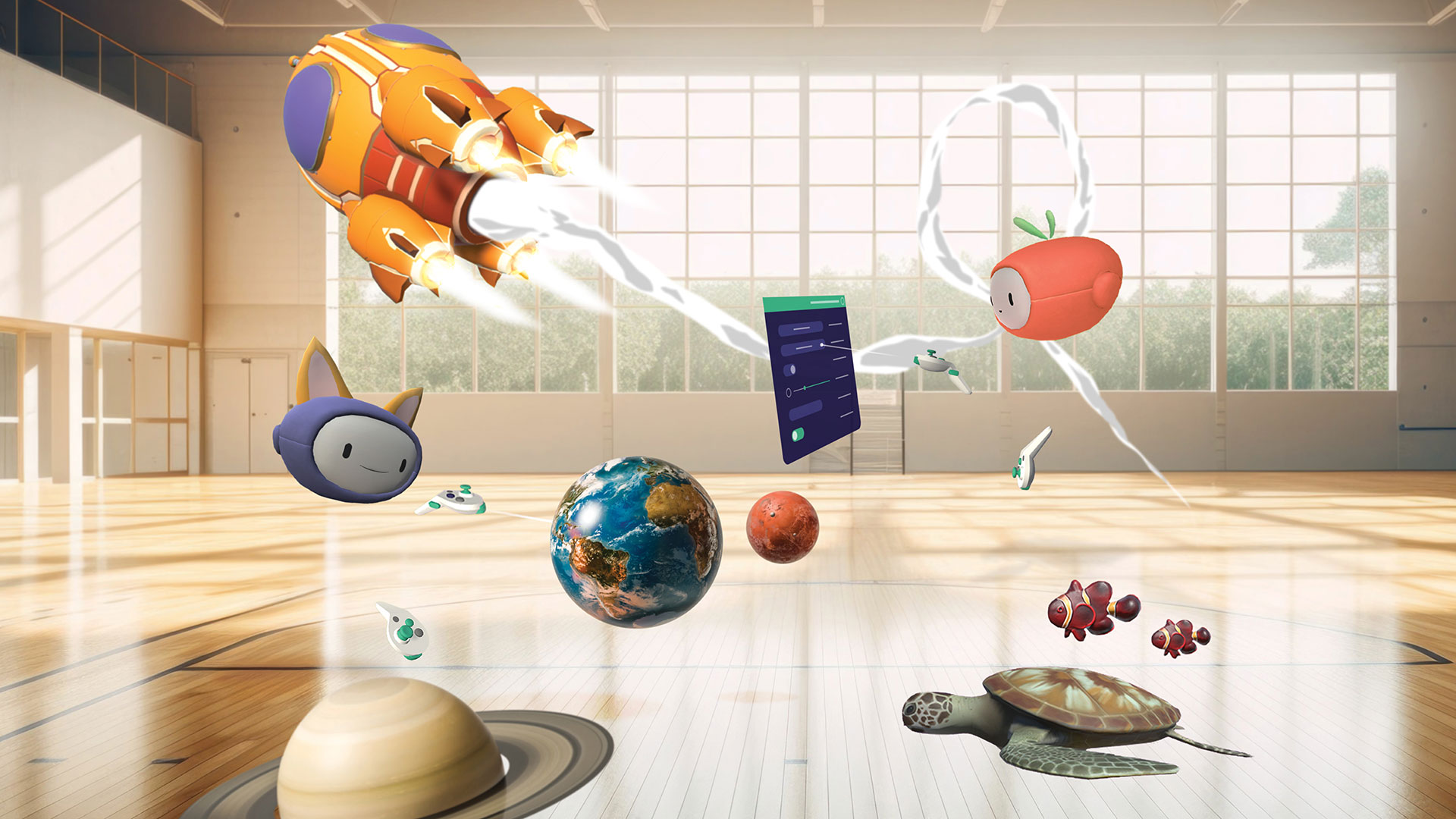
Products Shots (VR App)
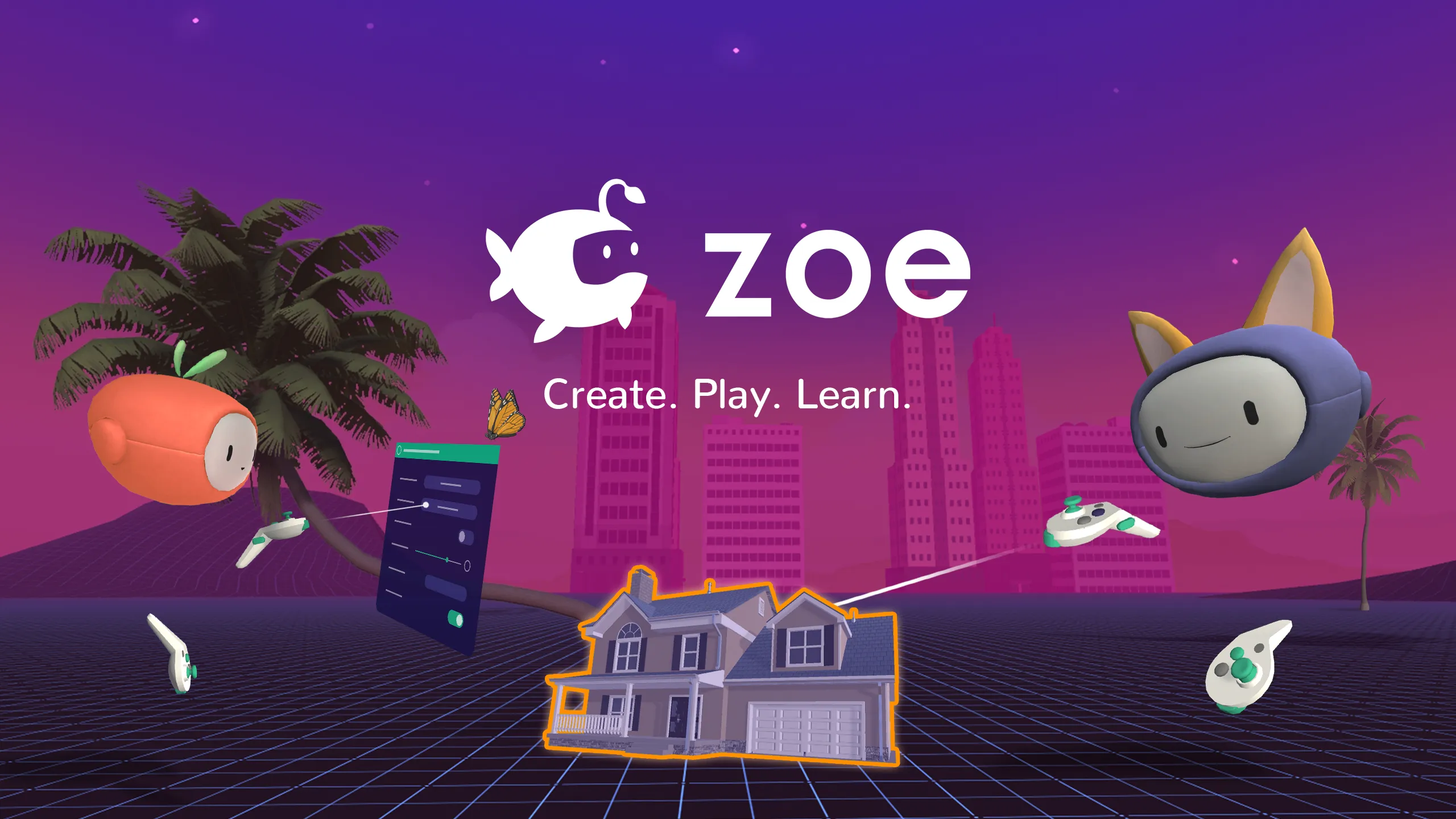
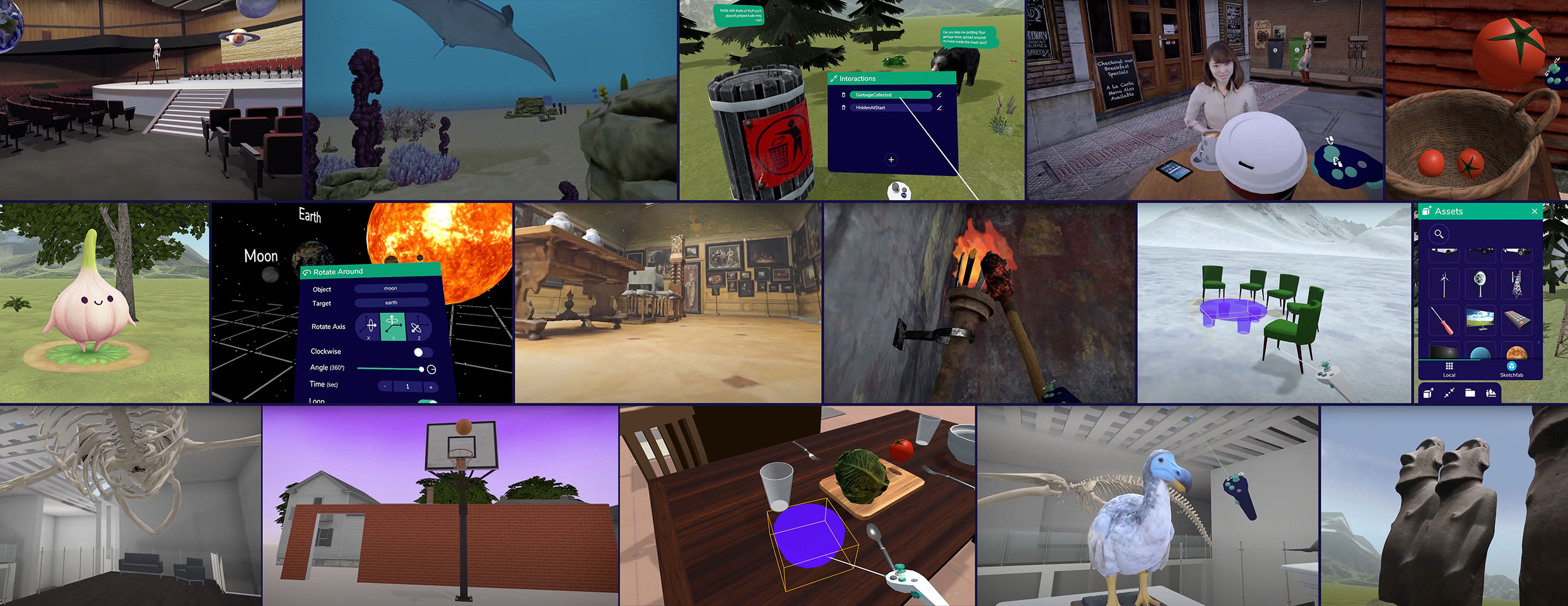
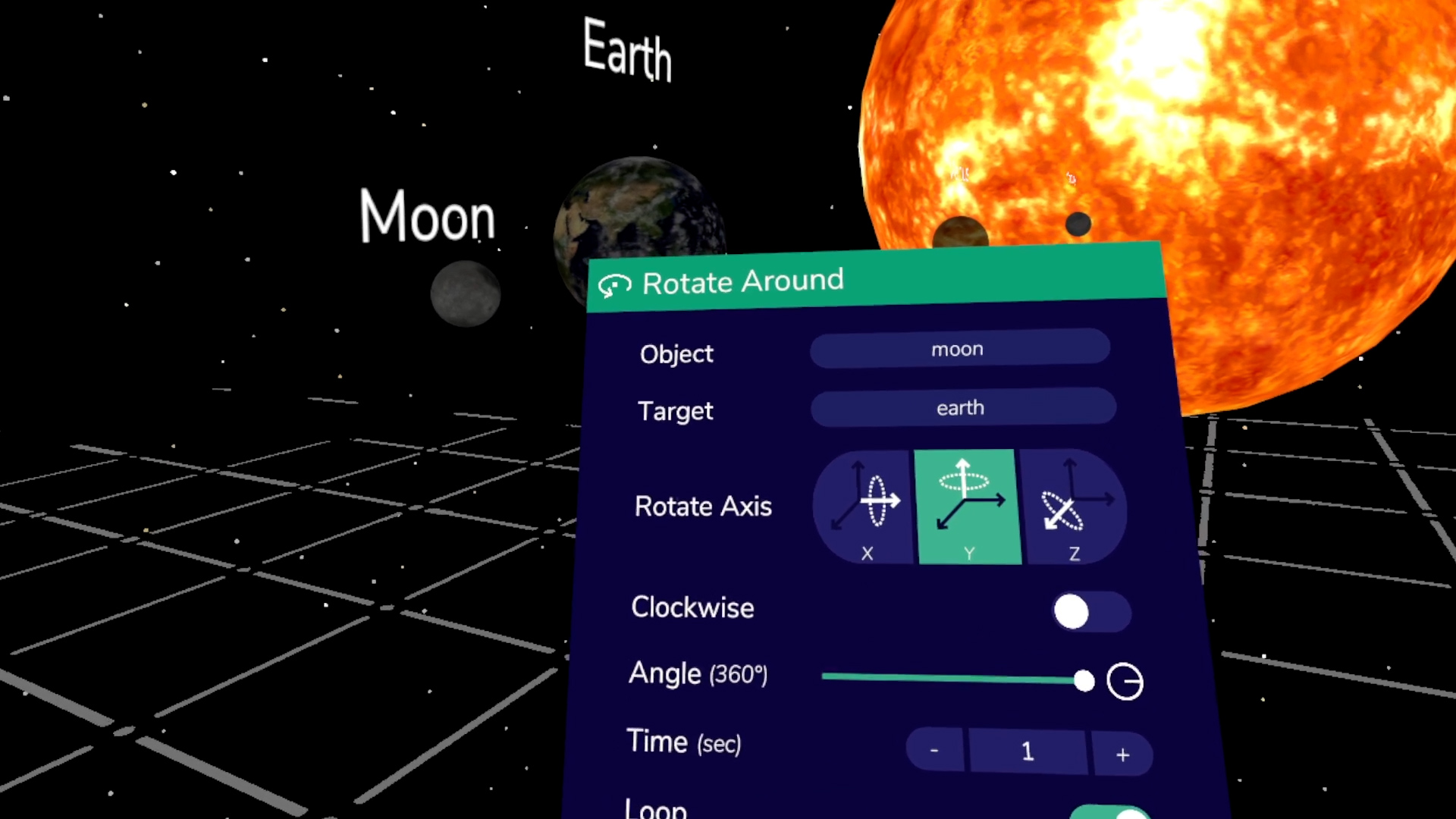
App Screenshots (VR App)
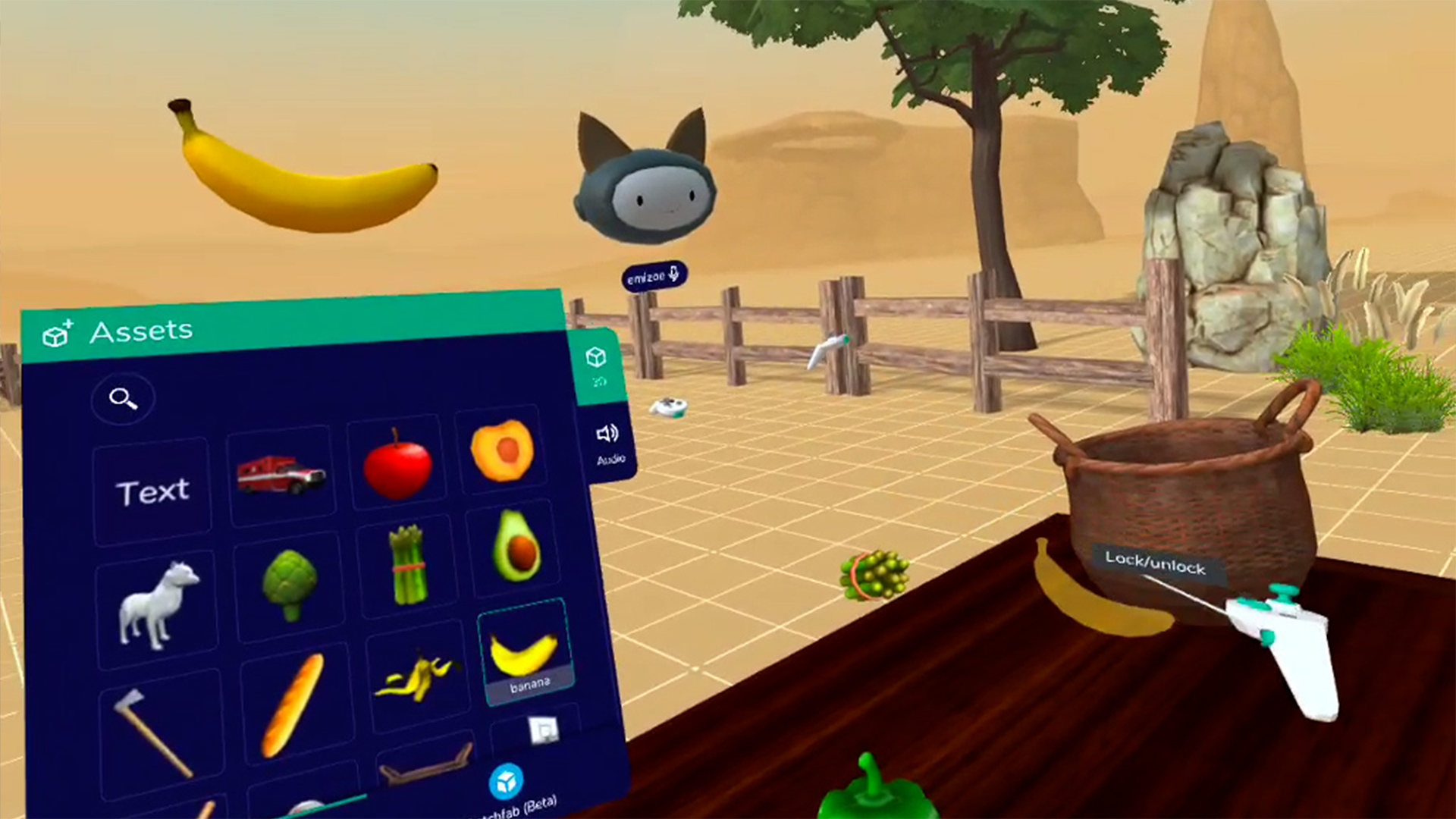
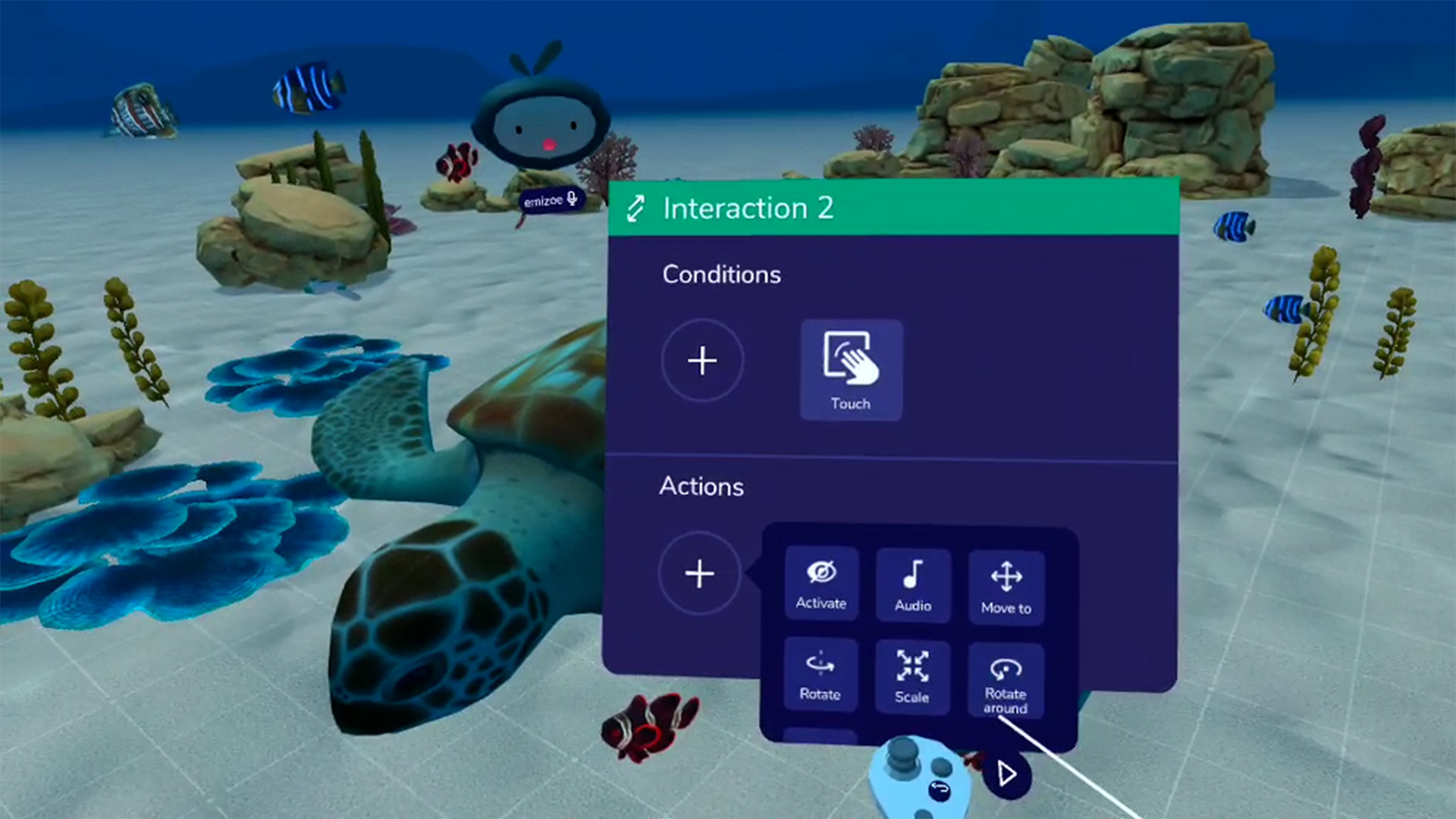
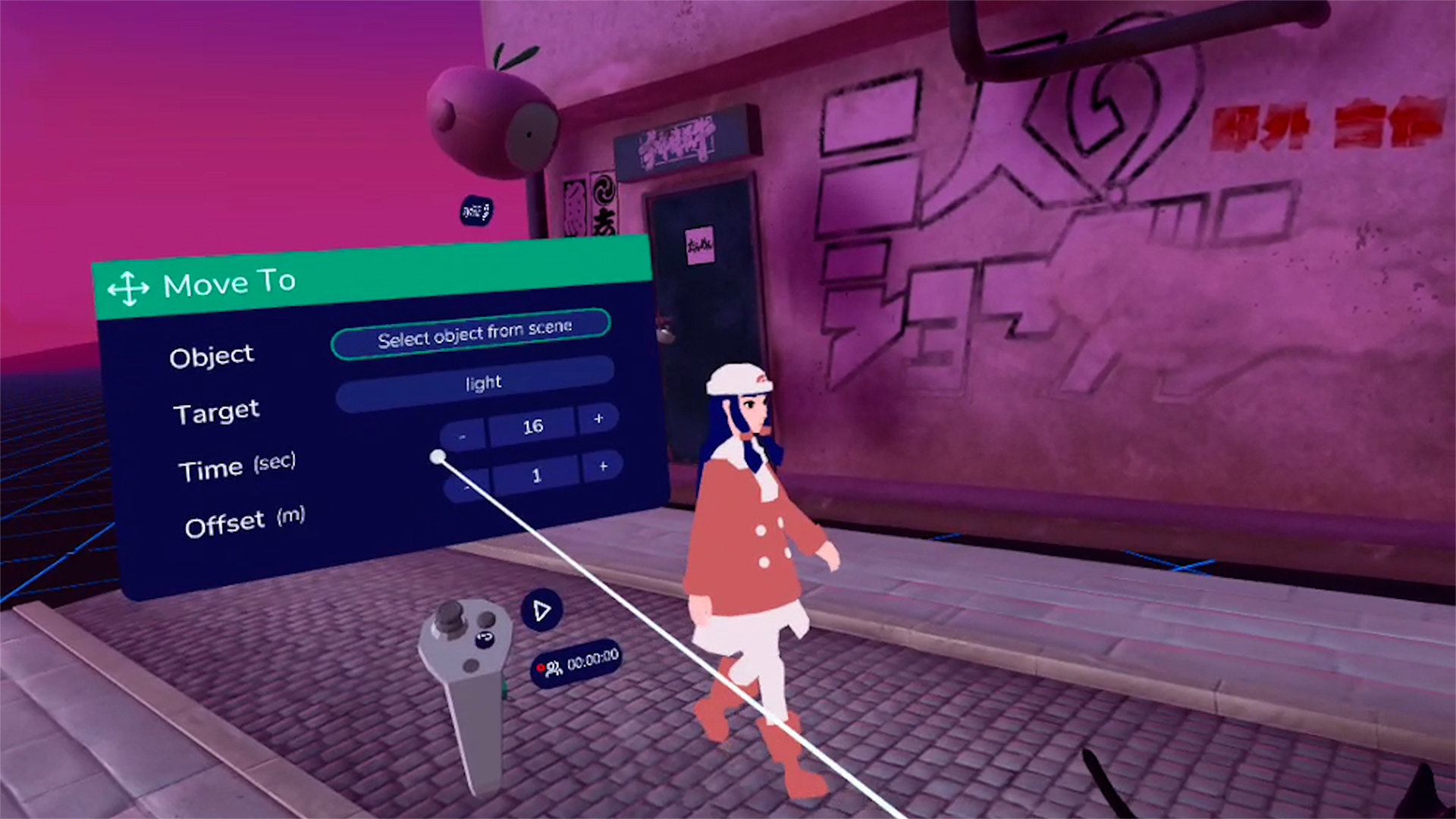
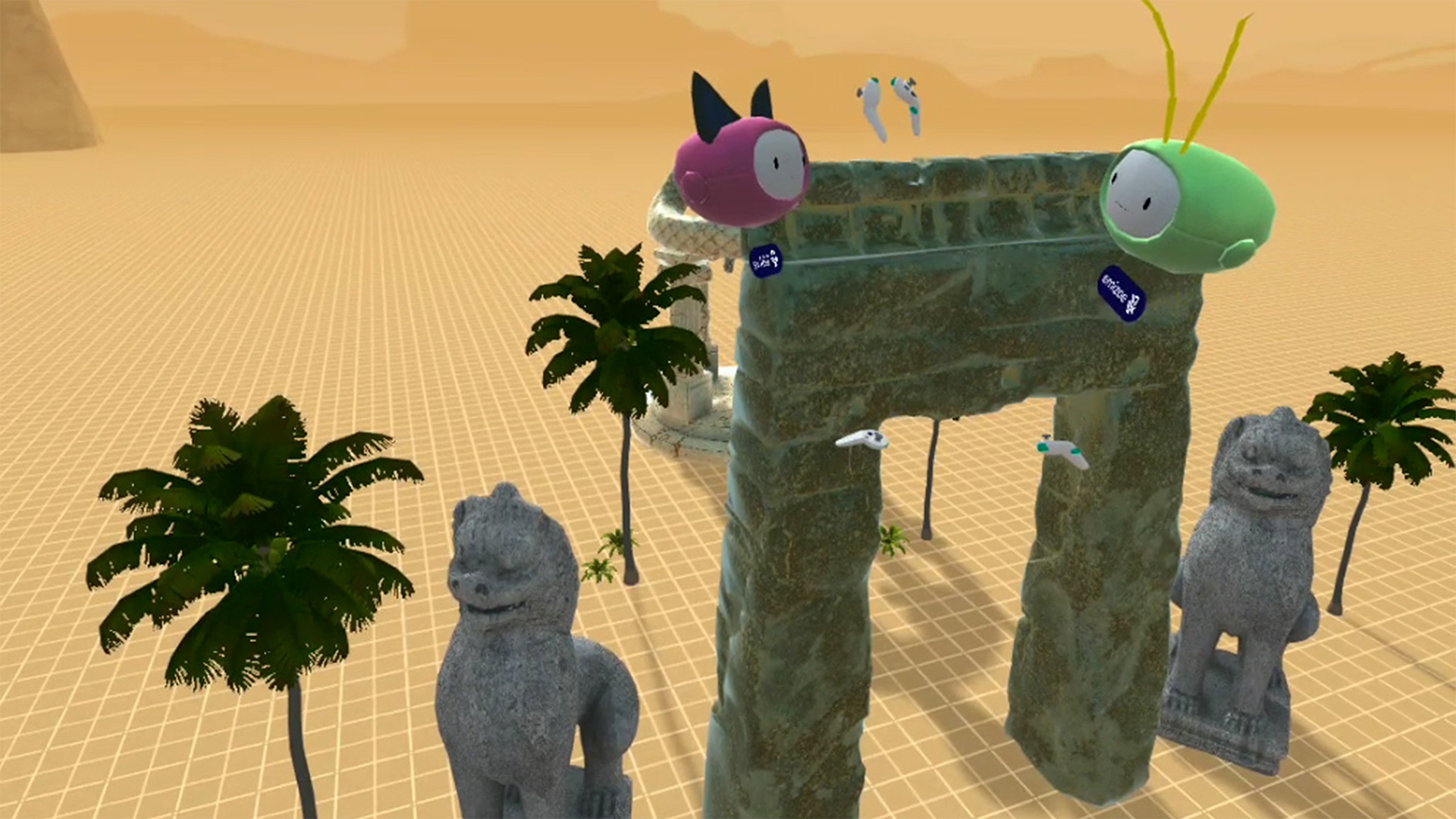
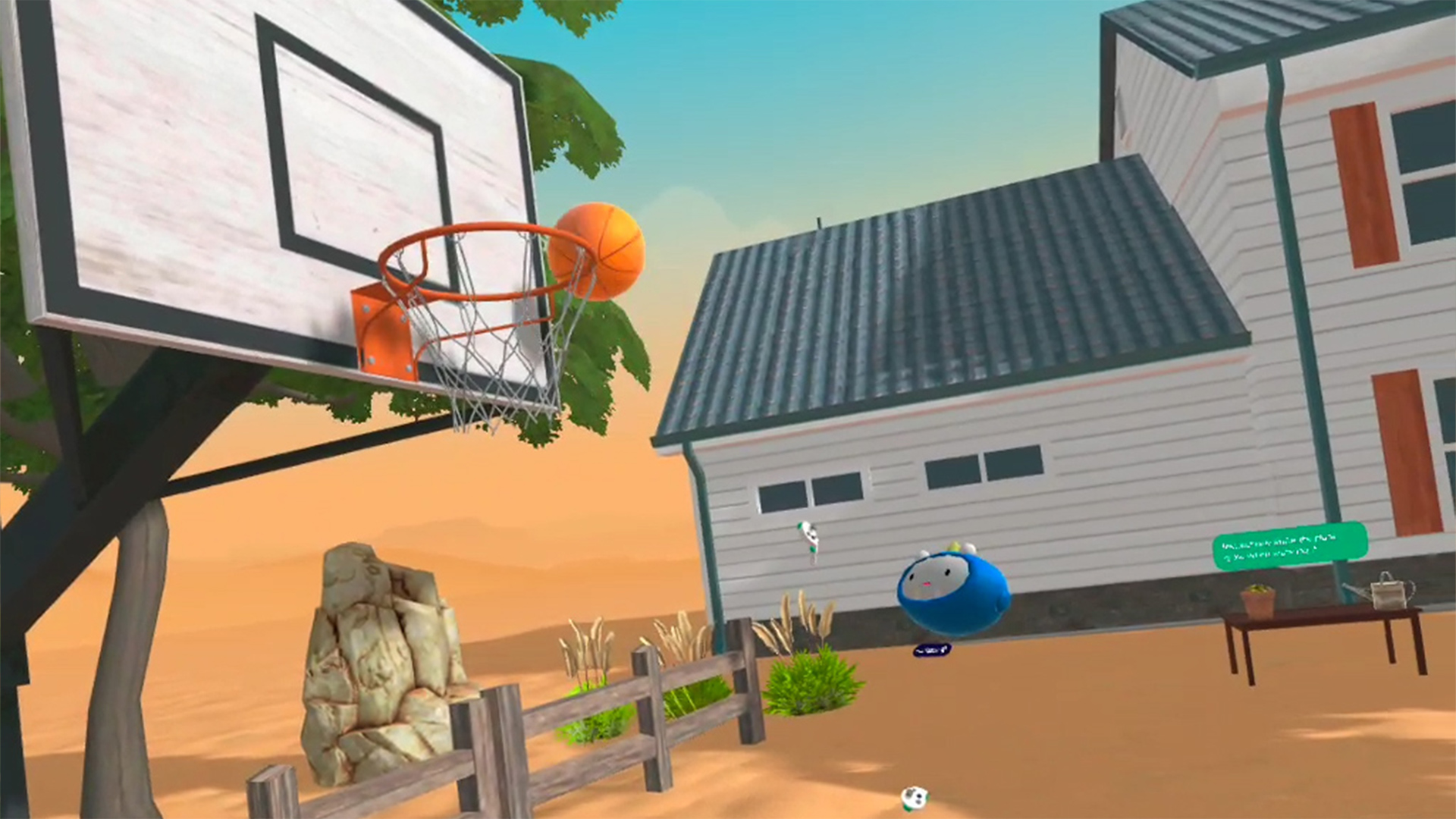
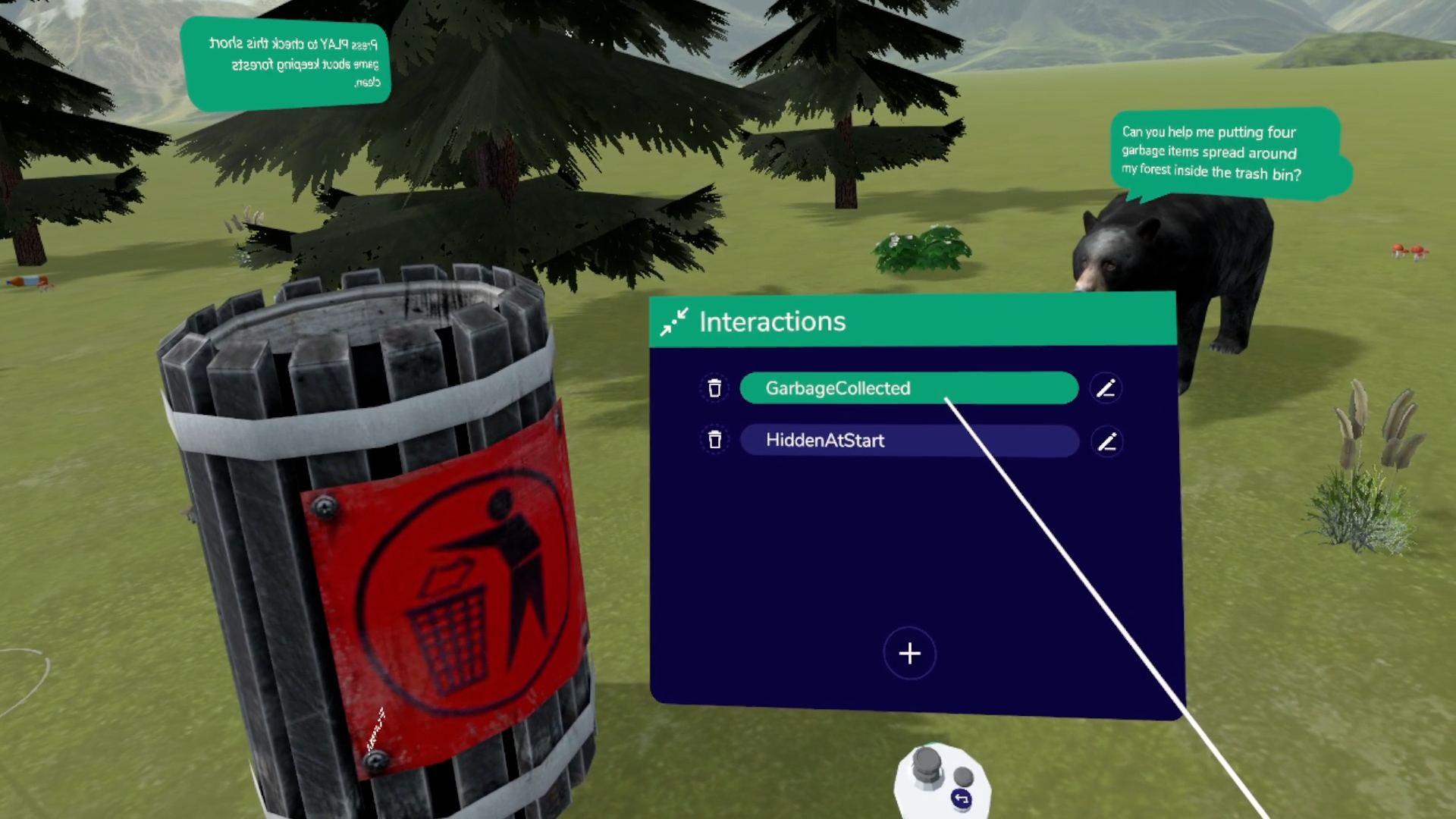
Products Shots (Mobile, beta)


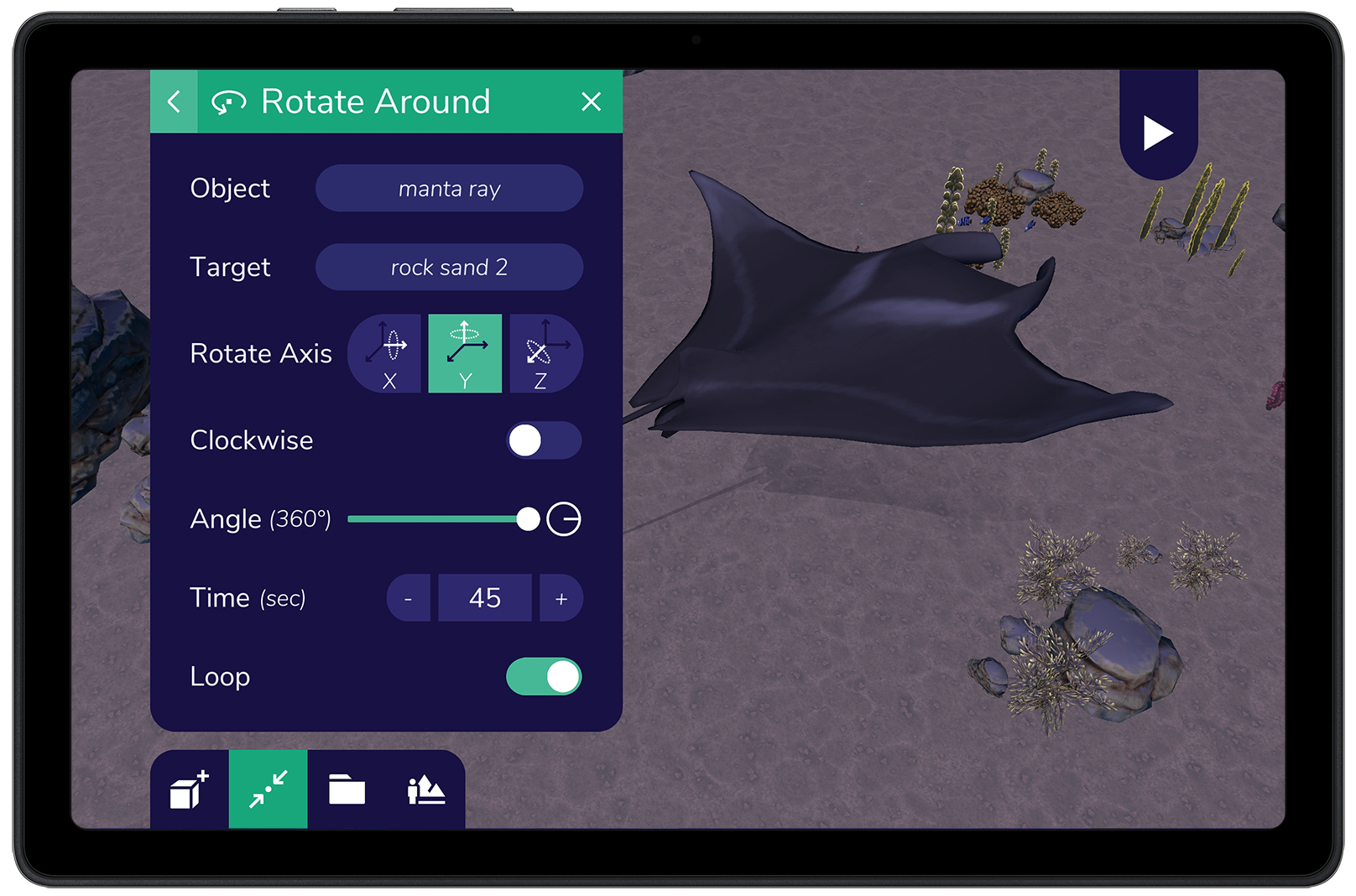
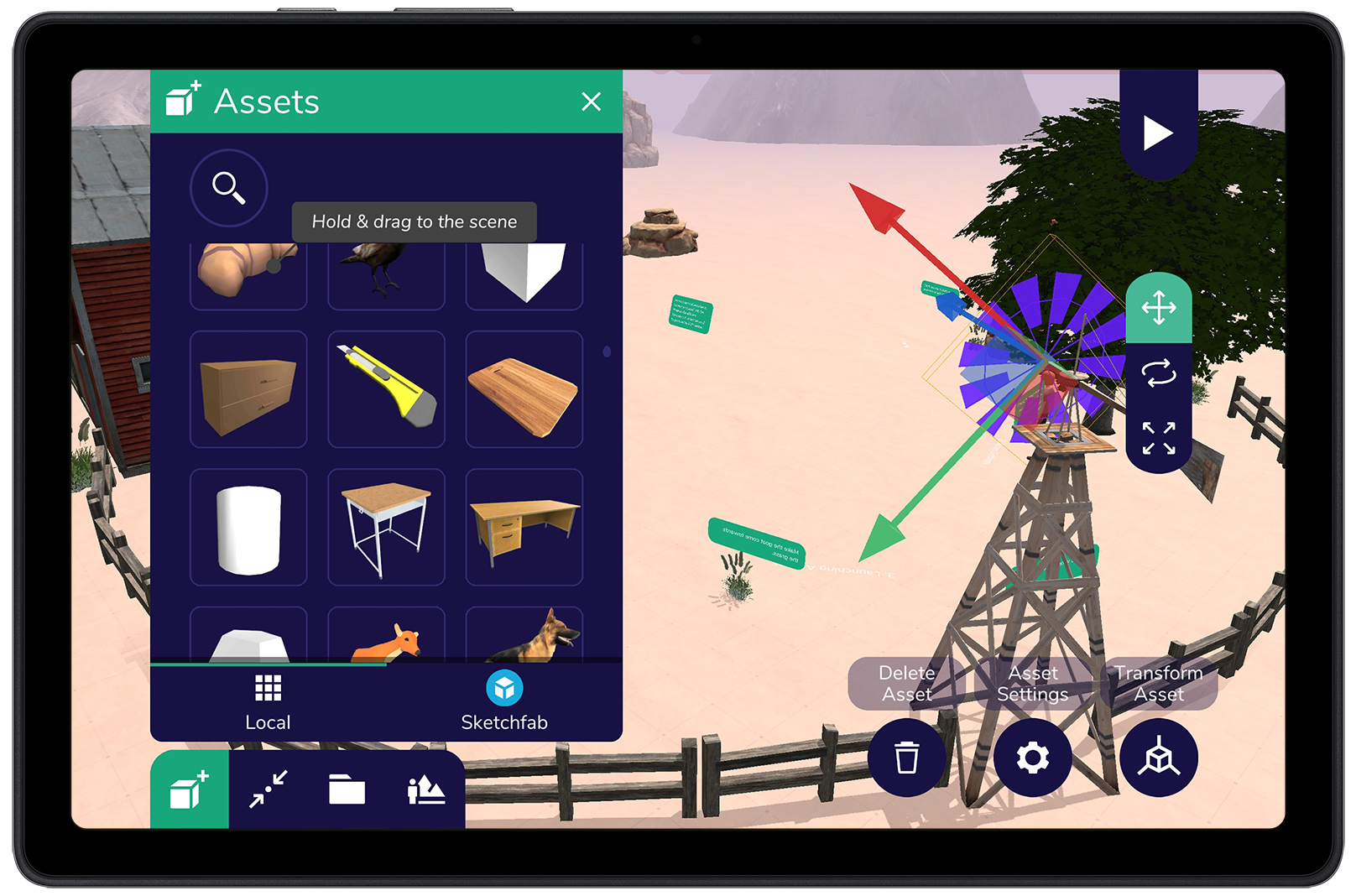
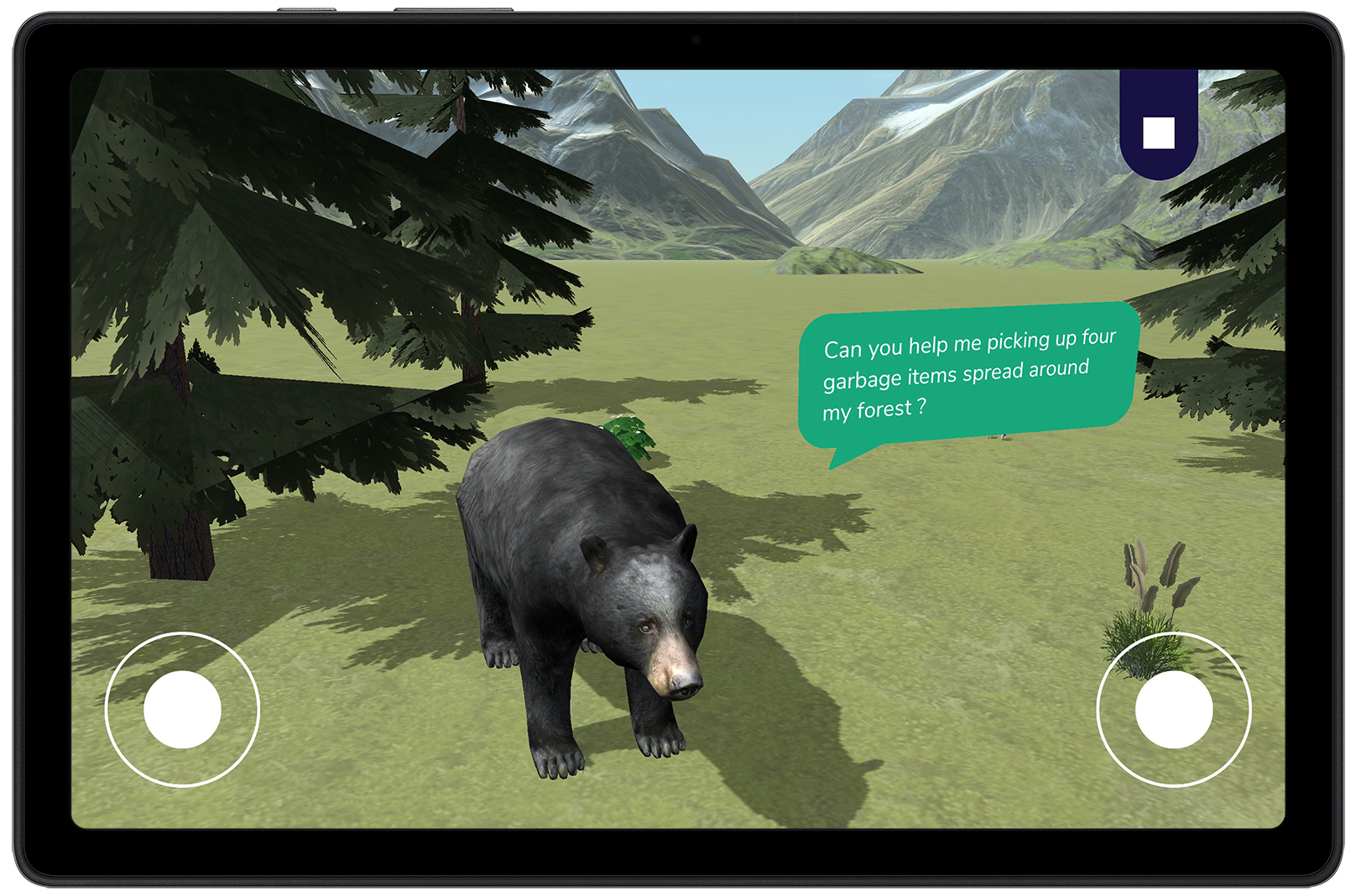
Mobile App Screenshots (Beta)
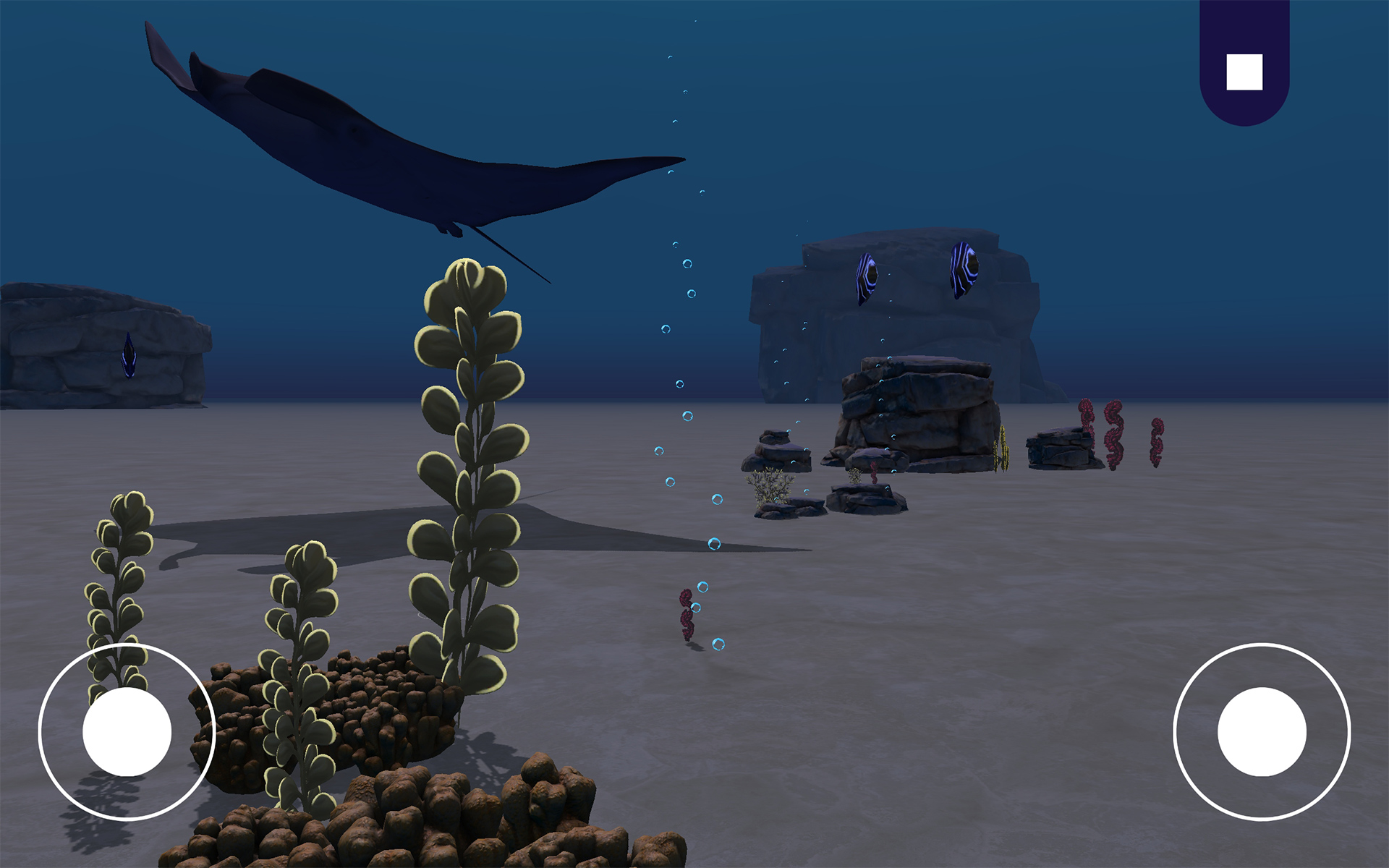
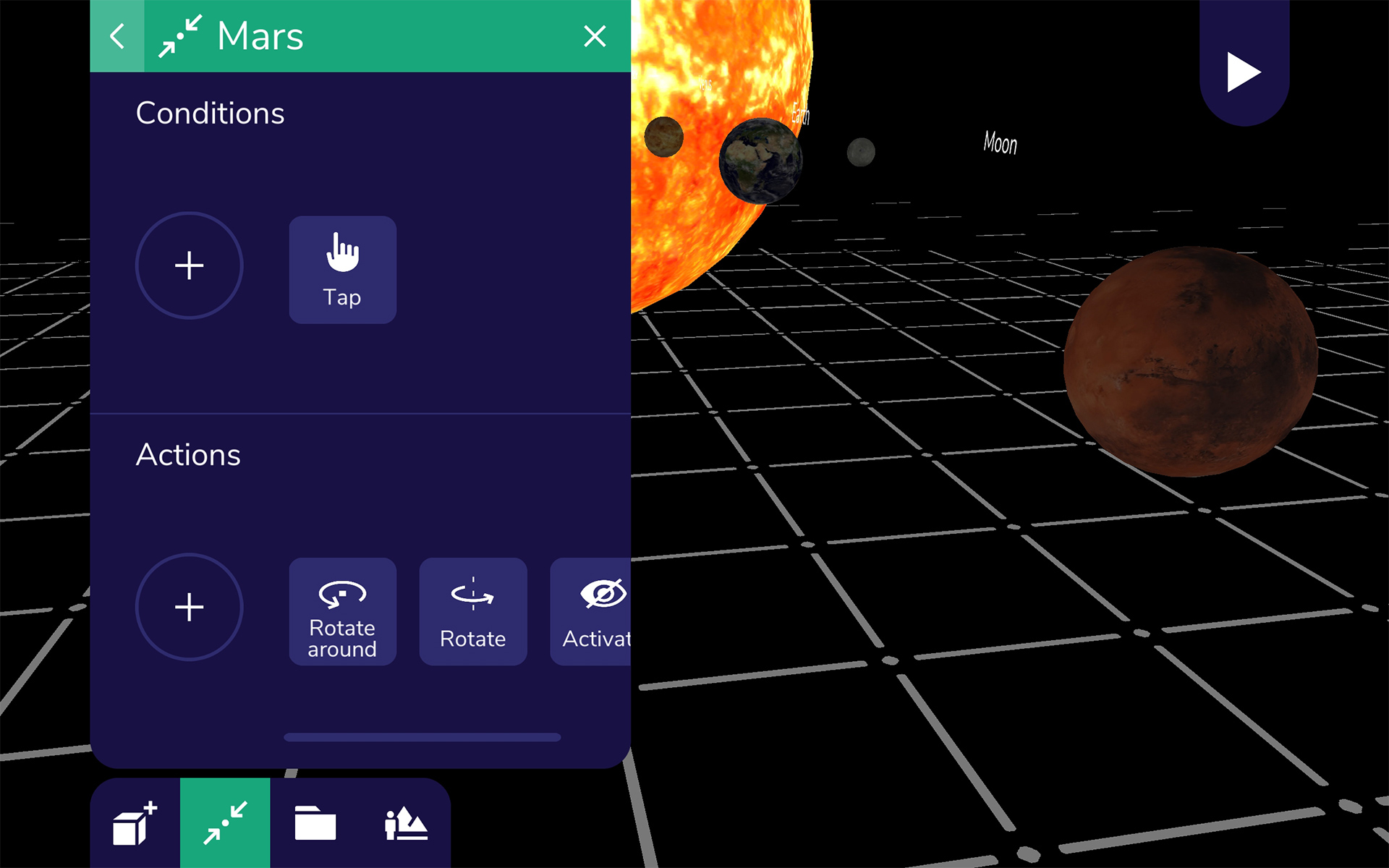
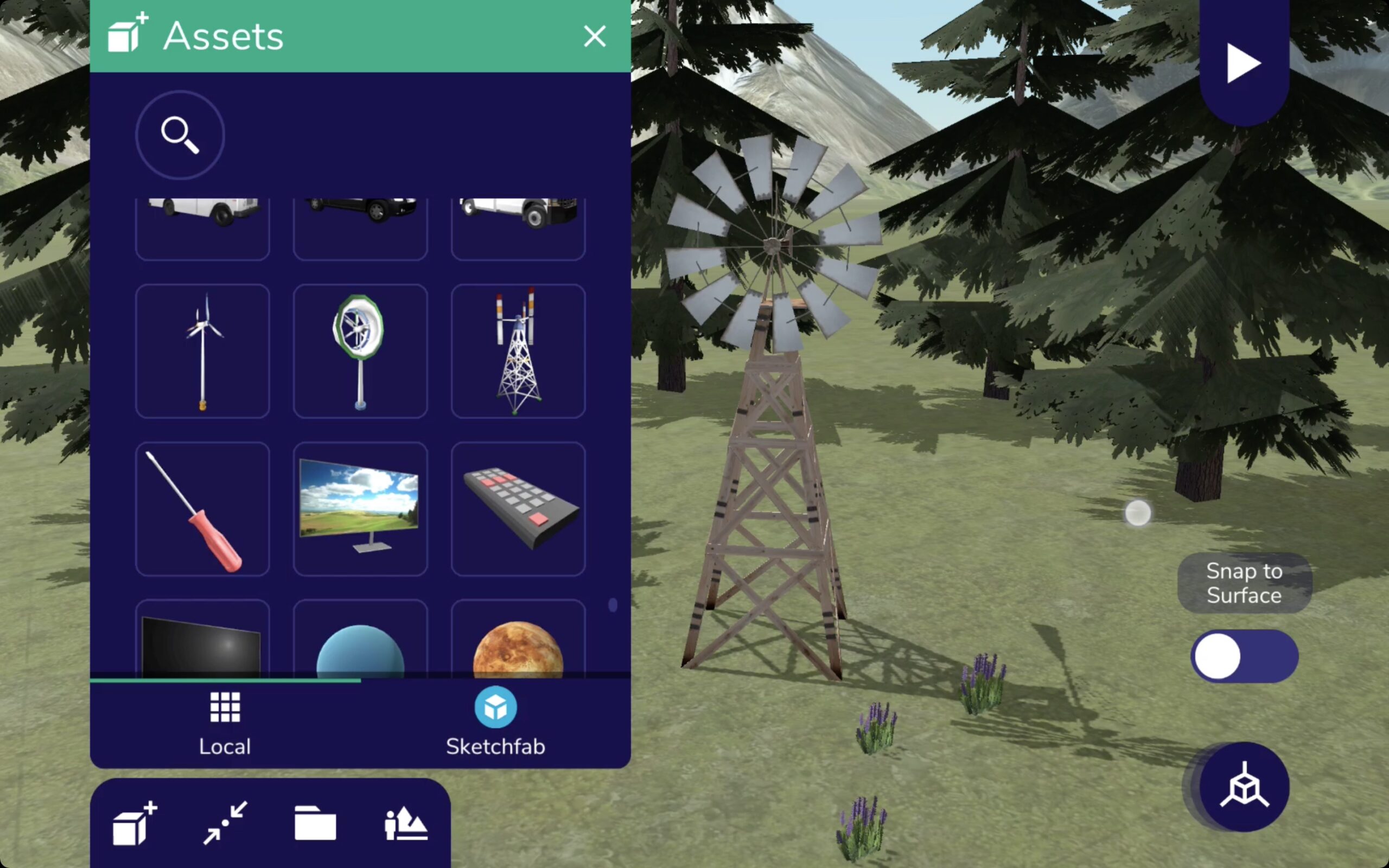
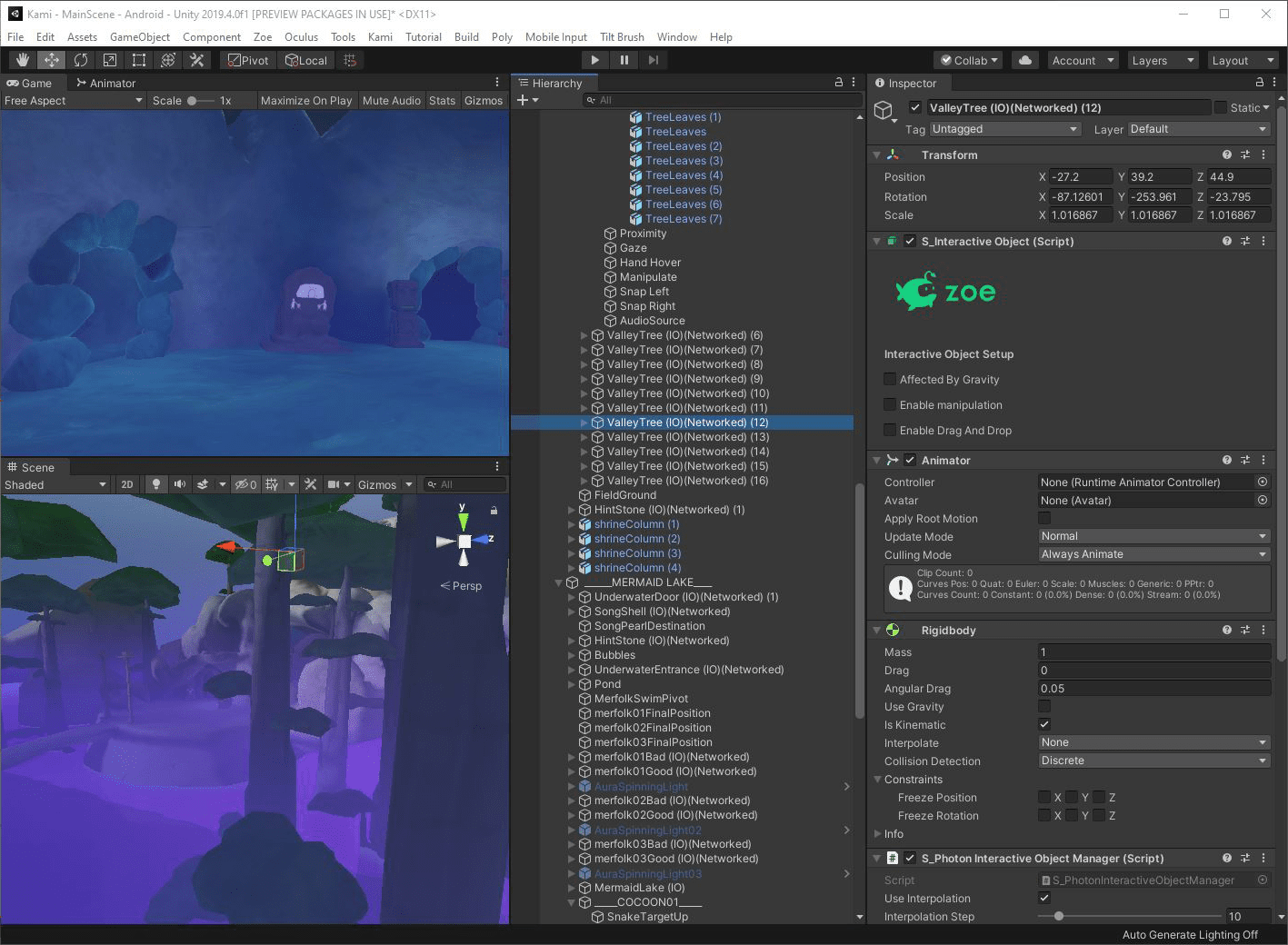
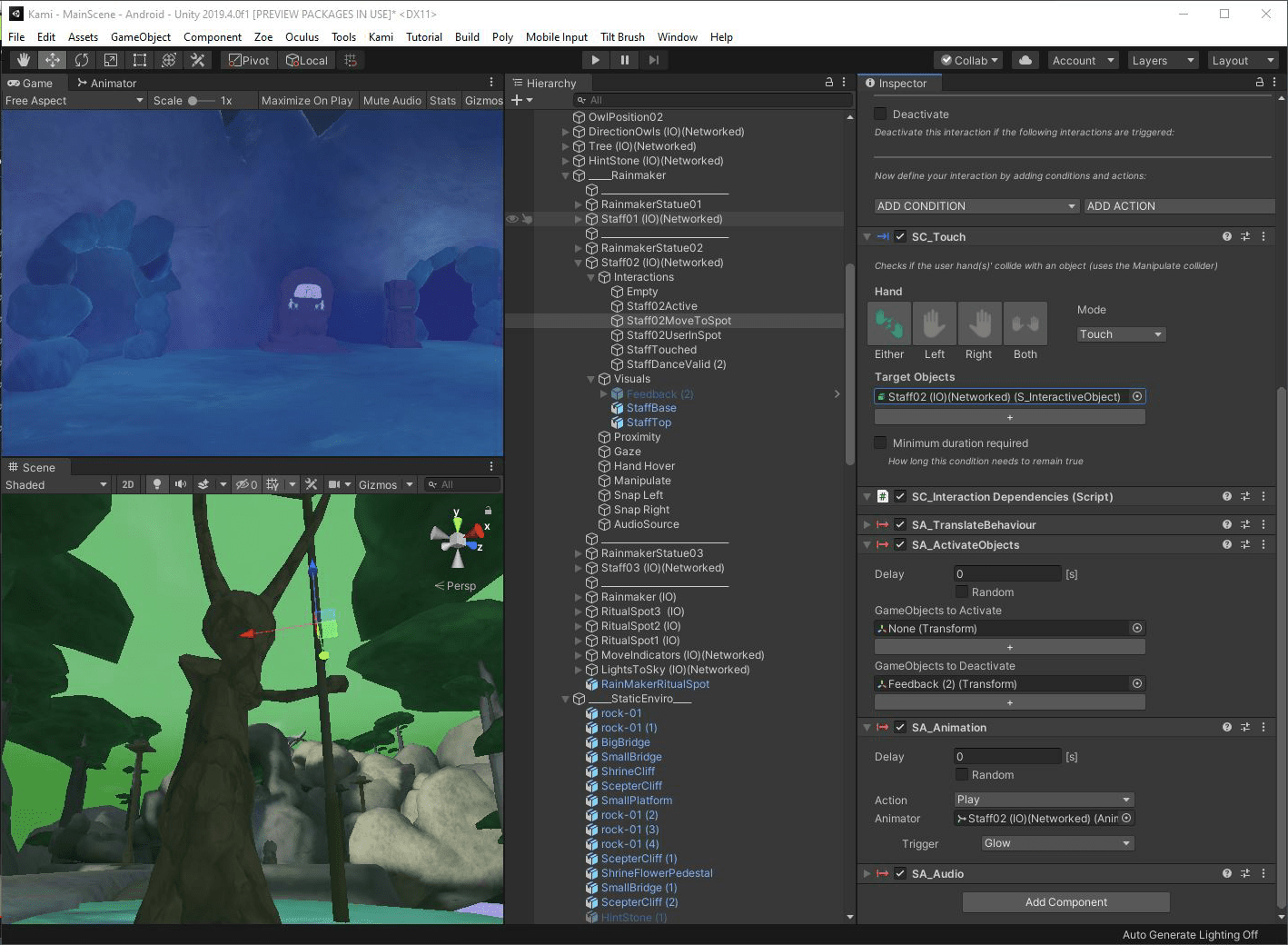
Zoe for Unity Plugin Screenshots
Press Articles
- Sketchfab and Zoe Immersive Partner to Drive 3D VR Content Creation
- VR for Education courses by Zoe on Unity Learn
- Unity Summit
- Upload VR
- VR Focus
- Road to VR
- Venturebeat Vive X Article
- Geneva Solutions
- XR learning Awards
- Top LA Education and Edtech Companies
- Intrepide News
- Qualcomm Article
- WIRED article